Certificates of Analysis
Access batch-specific documentation for PeptidePro Canada research products. Current batches are independently verified through Janoshik and Kovera Labs, with report access connected directly to the vial and product page.
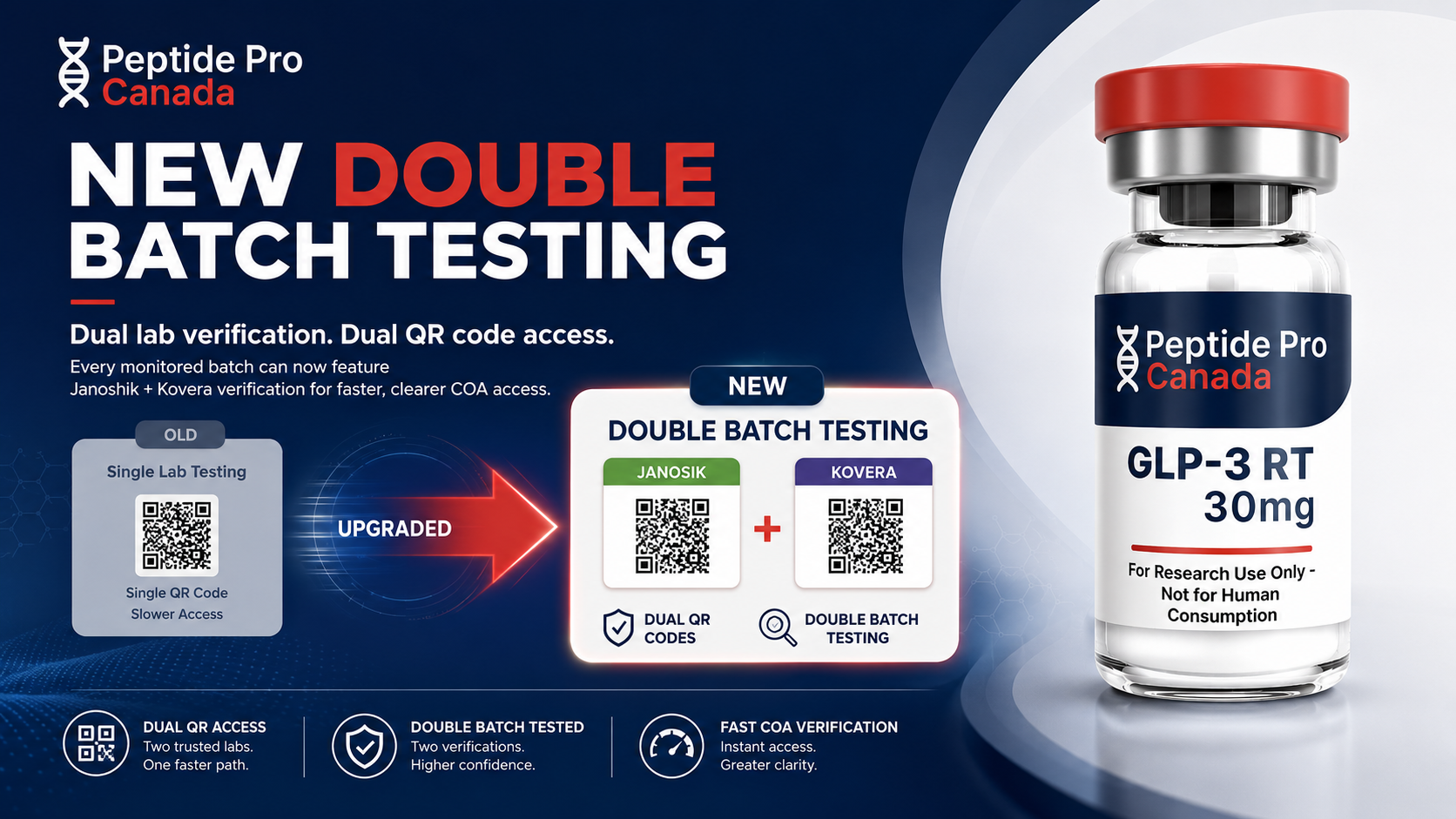
Two reports. Two QR-code access points.
Find the correct batch documentation
Use the option that matches what you are looking for. Always confirm that the batch or lot number on the report matches the number shown on your vial.
If you already have the vial
Scan the QR codes printed on the vial label for direct access to the applicable Janoshik and Kovera Labs documentation.
If you are checking before ordering
Open the product page and review the image gallery. Documentation for the current available batch is displayed with the product images.
If you need a specific batch
Contact support with the exact product name and batch or lot number. This is especially important if your vial is from an earlier batch.
Hear how every batch is verified
Listen to a short explanation of the two laboratory reports and the QR codes on each vial.
Review the reports linked to your batch and compare their vial photos with the vial you receive.
Independent • Documented • Verifiable
Read full transcript
If you’re comparing research suppliers, the real question isn’t who makes the strongest claims. It’s who gives you the clearest evidence.
That’s why our quality program is built around independent, dual-laboratory verification for every production batch. Every batch is independently tested through Janoshik and Kovera Labs.
The Janoshik and Kovera Labs reports cover mass and purity, heavy metals, endotoxins, rapid sterility, and full fourteen-day sterility. We also include four conformity vials for additional batch clarity during testing.
But laboratory testing only matters if you can confirm the documentation belongs to the batch you received. Every certificate includes photographs of the actual vials submitted for testing.
With each new production batch, the vial cap and crimp colours change, creating a visible batch identifier. You can match those colours directly to the vial images shown on both laboratory reports.
Every vial also includes two QR codes. One links directly to the Janoshik report. The other links directly to the Kovera Labs report for that exact batch.
Scan both reports. Review the results. Compare your vial to the documented test-vial images.
We don’t ask you to rely on promises, generic certificates, or marketing language. We give you direct access to the evidence behind every batch.
Independent. Documented. Verifiable. That’s our standard.

What the verification program covers
Each laboratory provides its own independent report and testing scope. Review the applicable report for the exact results recorded for a batch.
Janoshik
Independent LabKovera Labs
Full PanelCOA frequently asked questions
Can I review a COA before ordering? +
How do I know which report belongs to my vial? +
Why are two independent laboratories used? +
Why are COAs kept on individual product pages? +
What if the product page shows a different batch? +
What should I do if a QR code does not open? +
Cannot locate the correct report?
Send support the product name and exact batch or lot number shown on the vial.