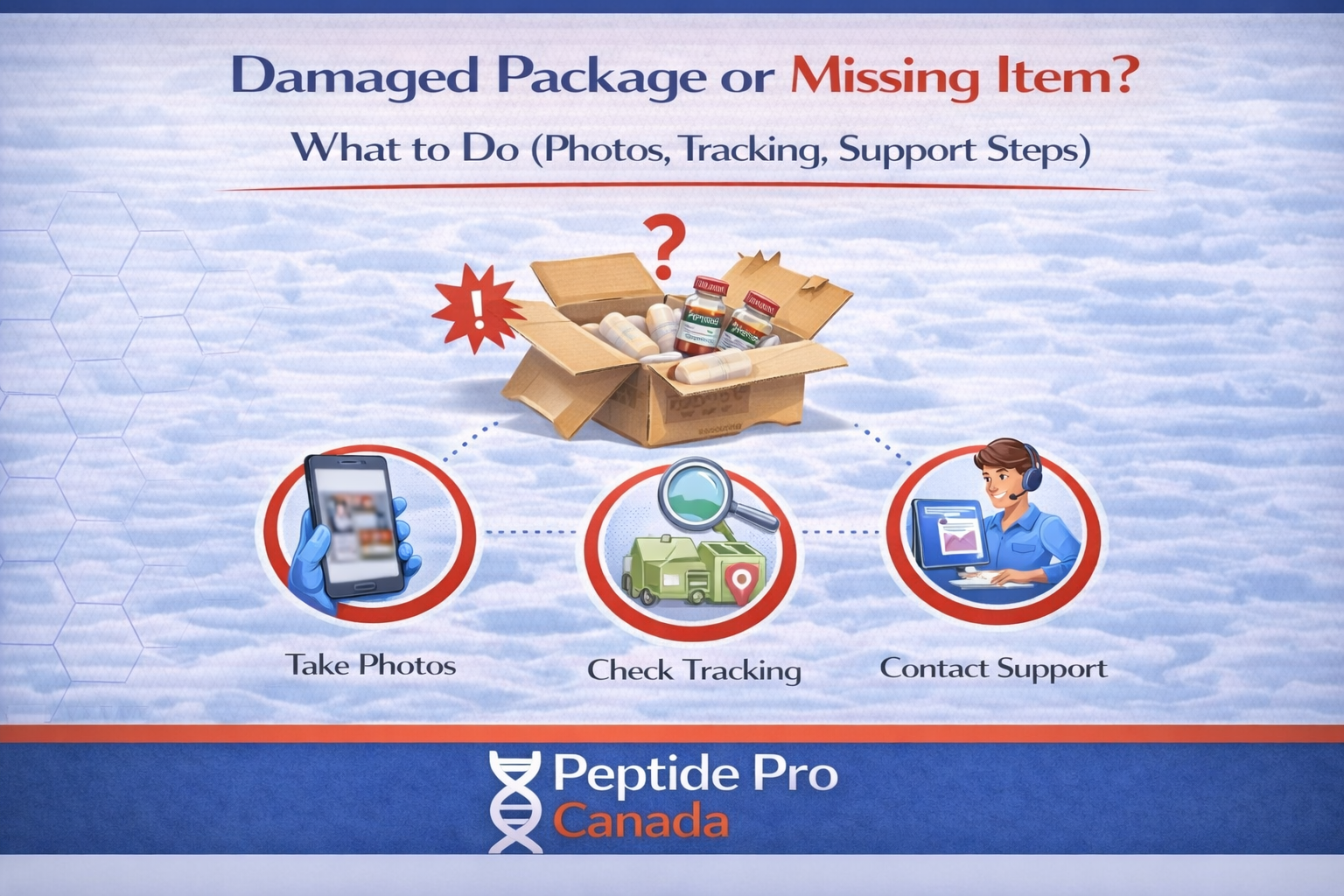
Damaged Package or Missing Item? What to Do (Photos, Tracking, Support Steps)
If you order from a research peptides Canada store, the only way to fix a damaged box or missing item fast is good info. Most delays happen because people throw out packaging, don’t take photos, or send a vague message. This post gives you the exact steps that speed up replacements and claims.
This is general information, not legal advice.
Quick answer
- Take photos before you discard anything.
- Send support your order number, tracking number, and clear photos.
- Carrier claims depend on packaging evidence and tracking history.
Step 1: don’t throw anything out
Keep:
- the outer shipping box or mailer
- all packing material
- any label/waybill area
- the contents as received
Step 2: take the right photos (this matters most)
Send photos of:
- outer package (all sides)
- shipping label close-up (readable)
- inner packaging
- all items laid out clearly
- any damage visible (close-up + wider shot)
If the package looks opened or re-taped, include that in the photos.
Step 3: check tracking for the exact status
Look for messages like:
- Delivered (check around the delivery location first)
- Delivery attempted (pickup/reattempt required)
- Address correction (this can reroute or hold a parcel)
- Exception / Delay (weather, backlog, routing)
Step 4: choose your situation
A) Package delivered, but you don’t have it
- Check mailbox, side door, garage, concierge/mailroom, and any safe-drop area.
- Ask household members if they moved it.
- If nothing turns up, contact support with your order number + tracking number.
B) Package arrived damaged
- Take photos first (outer + inner + items).
- Keep all packaging until the issue is resolved.
- Contact support with your order number and the photo set.
C) Package arrived, but something is missing
- Take a photo of everything you received laid out on a table.
- Take a photo of the packaging and label.
- Contact support with your order number and list the missing item(s) clearly.
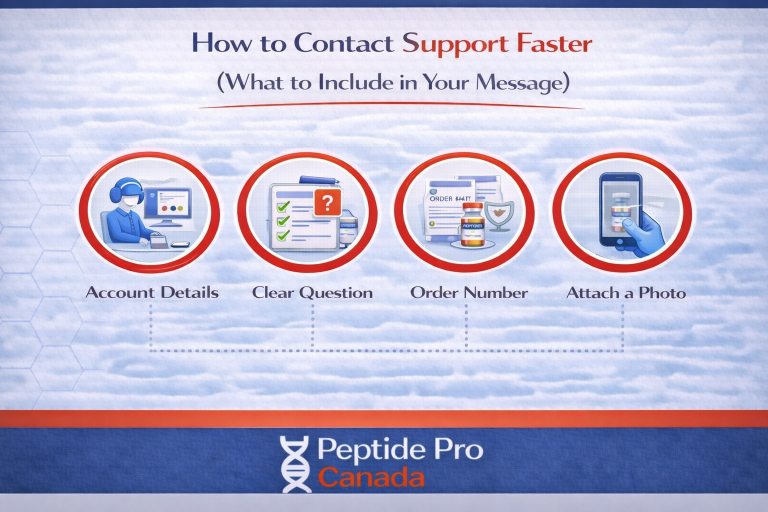
What to send support (copy/paste checklist)
- Order number
- Tracking number
- Your full shipping address (as entered at checkout)
- Issue type: delivered-not-received / damaged / missing item
- Photos: outer package, label, inner packaging, items laid out, close-ups of damage
What happens next (typical flow)
- Support reviews photos and tracking history.
- If needed, a carrier claim or investigation starts.
- You may be asked for one extra photo or confirmation if anything is unclear.
What slows down resolution
- No photos, or blurry label photos.
- Packaging thrown out before photos.
- Multiple messages with different details.
- Address details don’t match what was entered at checkout.
FAQ
Why do you need photos of the box?
Carrier claims and investigations depend on packaging evidence and label information.
Can you replace something without packaging photos?
It’s harder. Photos are usually the difference between “fast fix” and “back and forth.”
What if tracking says “delivered” but it’s not here?
Check common drop areas first. If it’s still missing, contact support with your order number, tracking number, and delivery address.
Safe call to action
For the full policy details, visit our Returns & Replacements page. If you have an issue, contact support with your order number, tracking number, and clear photos before discarding packaging.