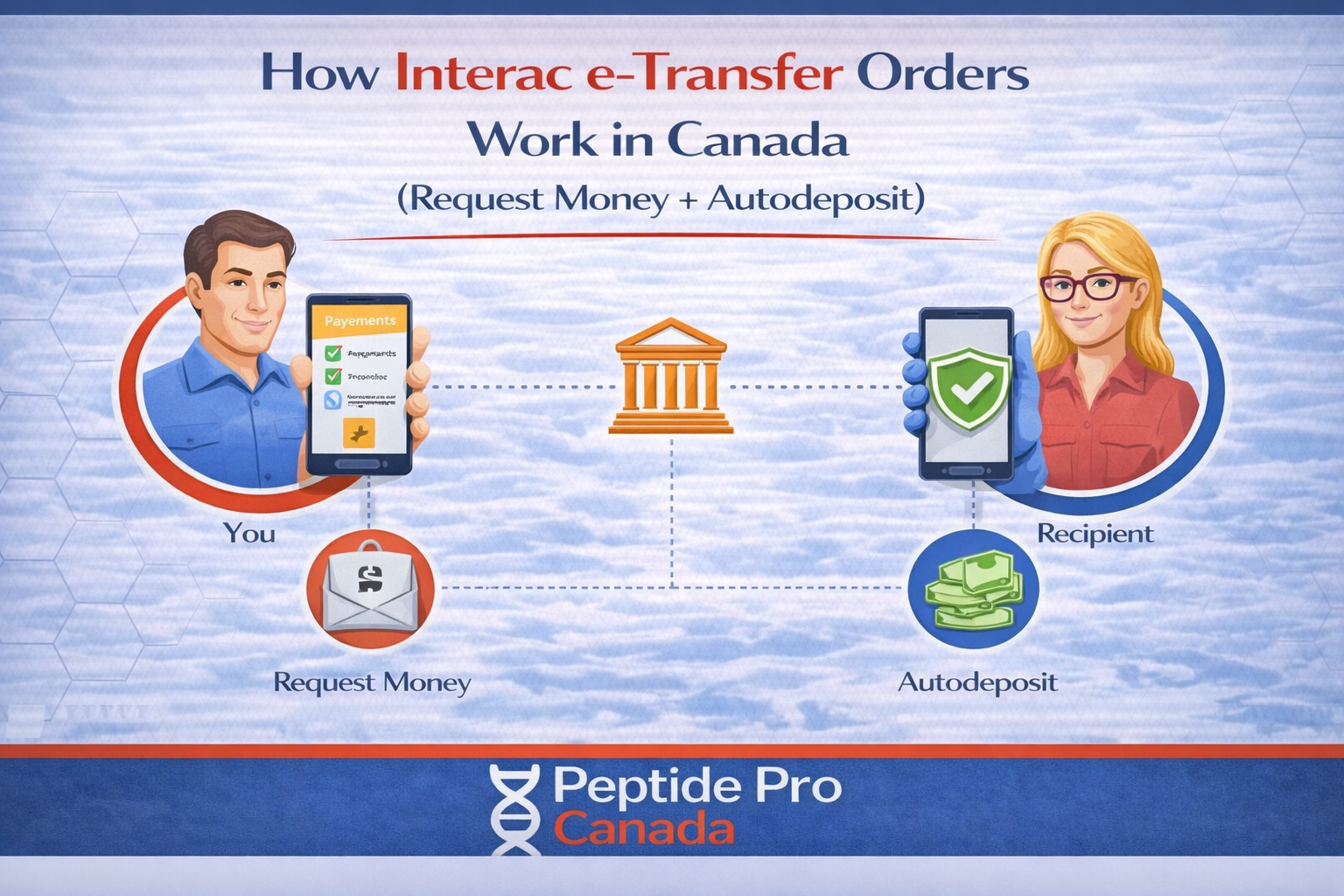
How Interac e-Transfer Orders Work in Canada (Request Money + Autodeposit)
If you’re ordering from a research peptides Canada store and paying by Interac e-Transfer, the flow is simple: you place the order, then you receive an Interac Request Money notification by email or text, and you complete the payment through your bank.
This is general information, not legal advice.
Quick answer
- You’ll receive a Request Money notification (email or text) from Interac after checkout.
- If you have Autodeposit enabled, you may not see a security question step.
- If you don’t see the request, it’s usually email filtering, a typo in the contact info, or a bank delay.
Step-by-step: what happens after checkout
1) You place your order
After checkout, your order is created in the system. You’ll see an order number and an order confirmation message/email.
2) You receive an Interac “Request Money” notification
Interac Request Money notifications are sent by email or text message. Open the notification and follow the prompts to complete payment through your bank.
3) You complete the payment in your online banking
Your bank will walk you through approving the request and sending the funds. Once it’s completed, you’ll typically receive a confirmation.
Autodeposit: why your flow might look different
Autodeposit is an Interac feature that deposits incoming transfers automatically. When Autodeposit is involved, the process can look different because it removes the usual security question step.
What this means for you:
- You may not be asked a security question.
- You may see the transfer complete quickly once approved, depending on your bank.
If you don’t receive the e-Transfer request
Before you message support, run this checklist:
- Check your spam/junk folder for Interac emails.
- Search your inbox for: Interac or e-Transfer.
- Confirm the email address and/or mobile number you used at checkout is correct.
- Wait a short window and refresh your banking app. Some banks can take longer to show requests.
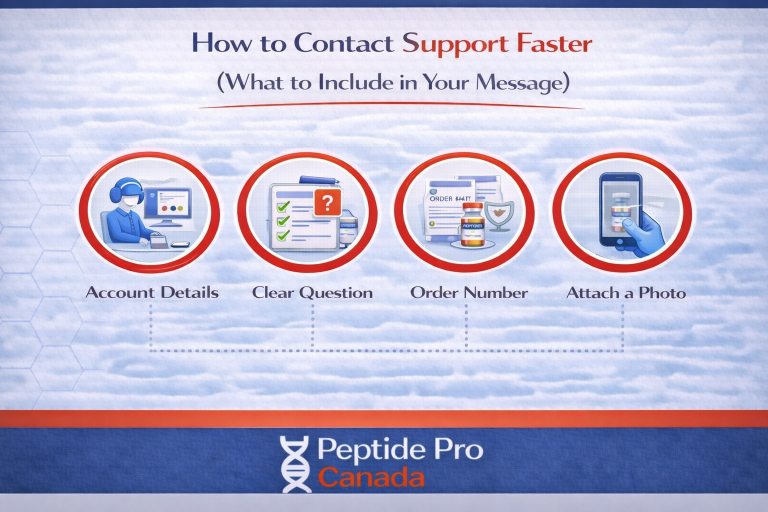
If it still doesn’t arrive, contact support with:
- order number
- the email and/or mobile number used at checkout
- the time you placed the order
Safety note: don’t pay unexpected requests
Only approve an Interac Request Money notification you were expecting (for an order you just placed). If you receive an unexpected request from an unknown sender, don’t accept it.
FAQ
How long does the Interac Request Money process take?
It’s often quick, but timing can vary by bank. If you don’t see the request right away, check spam/junk and confirm your checkout contact info.
Why didn’t I get a security question?
If Autodeposit is involved, you may not see a security question step. That can be normal.
Can I cancel an order if I don’t pay?
Most stores will cancel unpaid orders after a set window. If you want the exact timeline, check the store’s payment policy or contact support.
Safe call to action
If you’re stuck, contact support with your order number and the email/phone used at checkout so we can resend the request or confirm the details.